Elf cam: your elf, caught on camera
Take a photo of your elf where it landed tonight. This page turns it into a frame from a night security camera, with the date, the time and the camera's name, and you tap your elf to put the "motion detected" box on it. Show the kids in the morning.
Free: the night camera look, with our address in small print at the bottom. The Santa kit ($7.99, one payment) adds the doorbell camera and baby monitor looks and removes the address from every look, all season. Your photo is made into a frame on your phone and never uploaded.
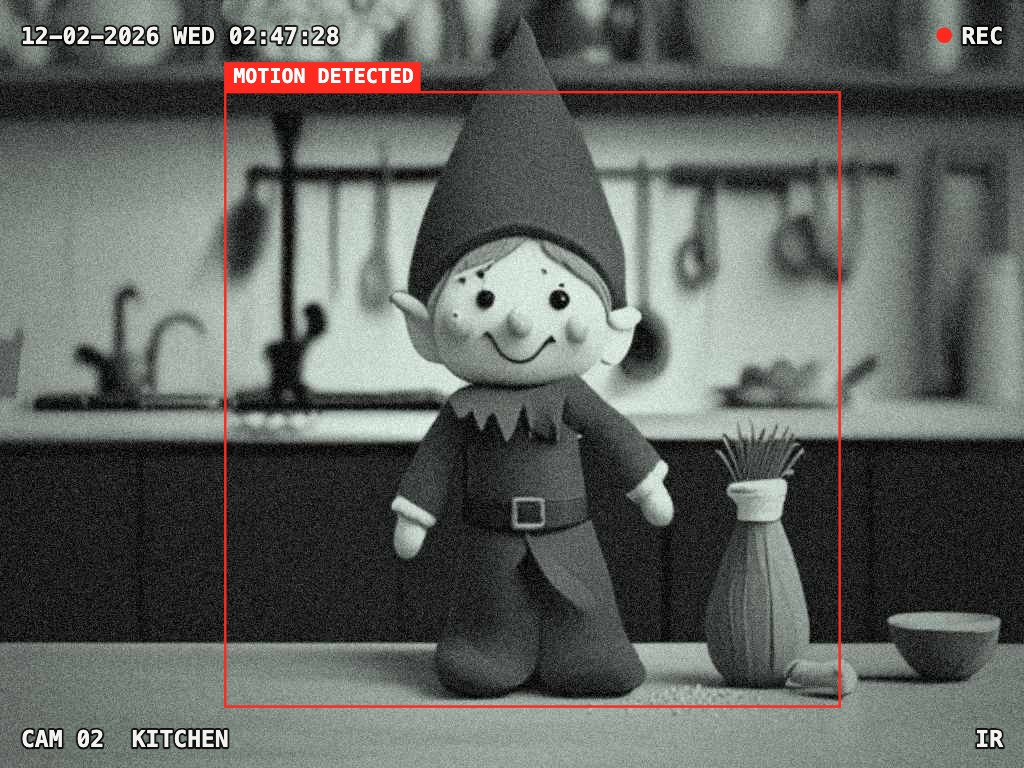
Tap your elf to put the motion box on it. Tap again to move it.
Camera
The doorbell and baby monitor looks come with the Santa kit. It also removes our address from every elf cam picture, all season, and adds 3 photos of Santa in your own room and two elf notes. $7.99, one payment, nothing renews.
Get the kit, $7.99Three cameras
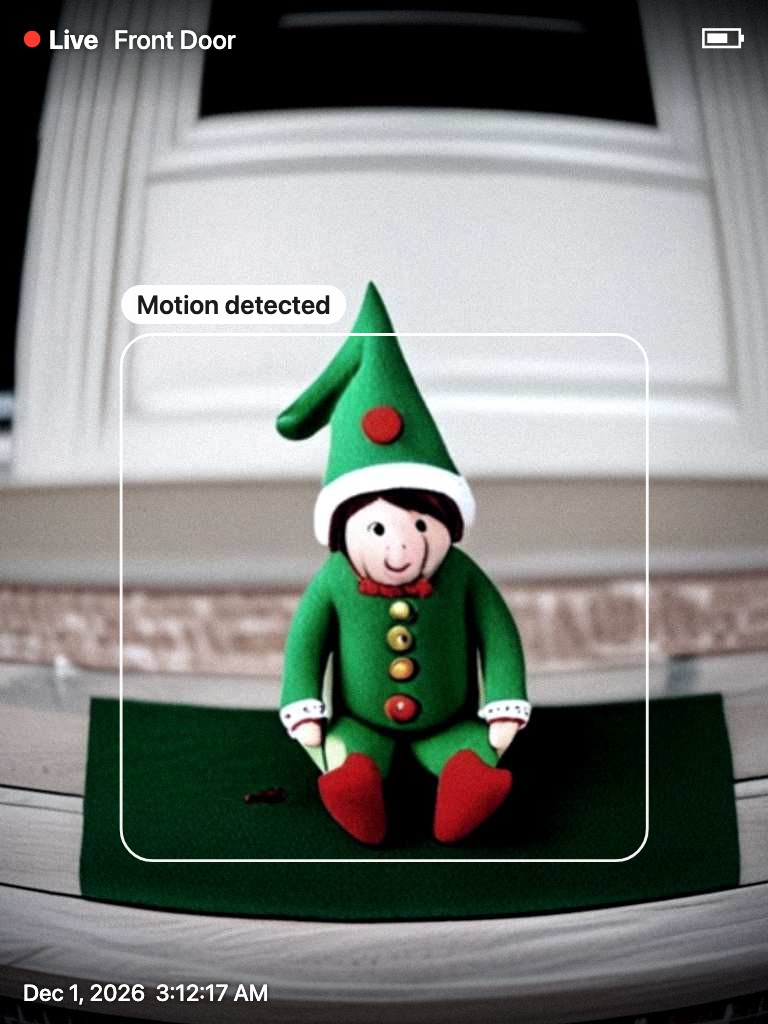
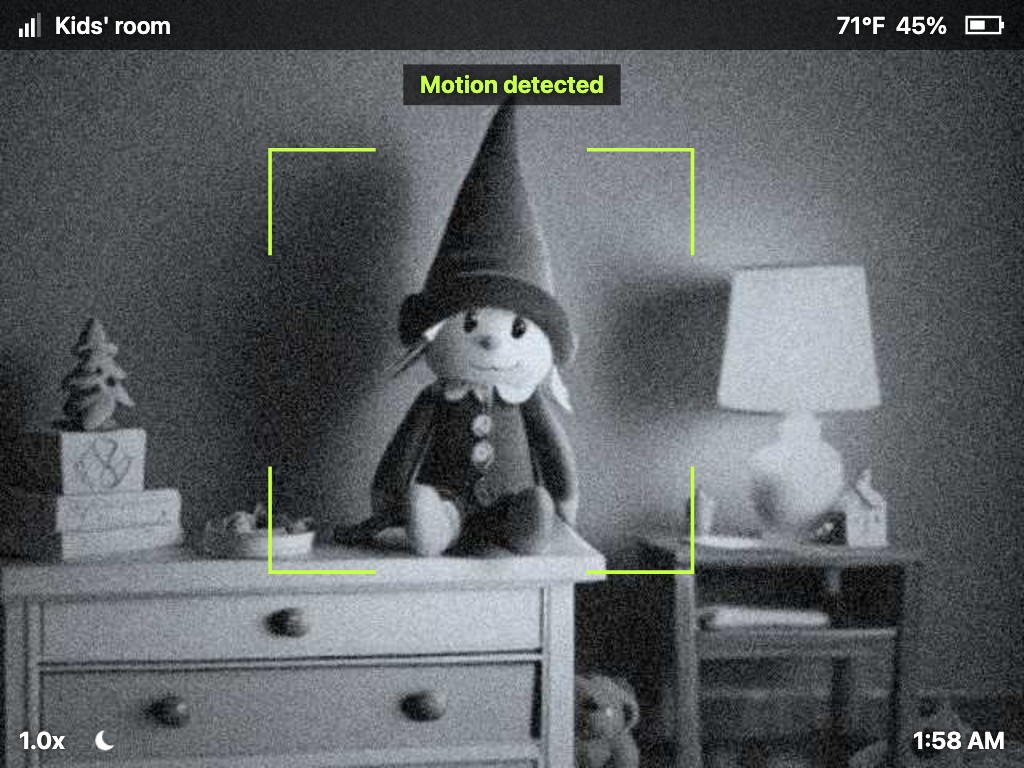
Samples made by this page from AI images of a toy elf, not a real home.
Take a photo that looks like real footage
- Stand back and hold the phone high in a corner of the room, where a camera would hang, so your elf is small in the frame.
- Turn the phone sideways for the night camera and the baby monitor; doorbells film upright.
- Leave one lamp on. Infrared cameras see in the dark, but your phone needs a little light.
- For the doorbell look, put your elf on the doormat or just inside the front door and shoot from about doorbell height.
- Set the time on the camera to the middle of the night. It starts at 2:47 AM.
Ideas for the next 24 nights
Elf ideas: 24 nights, each with the camera that catches it. Free and printable.